If you want to allocate a purchase invoice to Fivaldi, you can do so from the top left corner of the invoice under Service Period Dates.
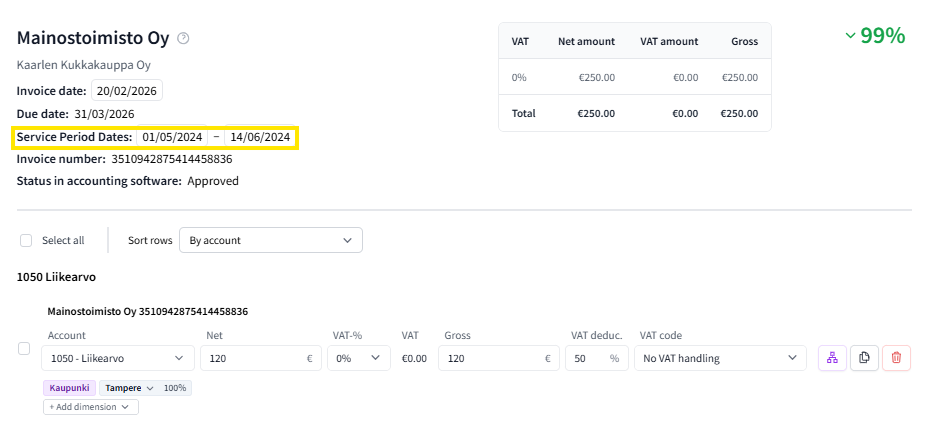
Please note that in Fivaldi settings (Application window -> Accounting -> Basic information for voucher entry), the allocation voucher type must be selected and allocation accounts defined (the transfer receivable account must be 1849). Also remember to set the active checkmark for purchases on this specific 1849 account. You can check it in the chart of accounts application.
Allocation from FabricAI is always formed without VAT.
This article has been translated using an AI-based translation tool. The contents or wording of these instructions may differ from those in other instructions or in the software.
Did you find it helpful? Yes No
Send feedbackSorry we couldn't be helpful. Help us improve this article with your feedback.