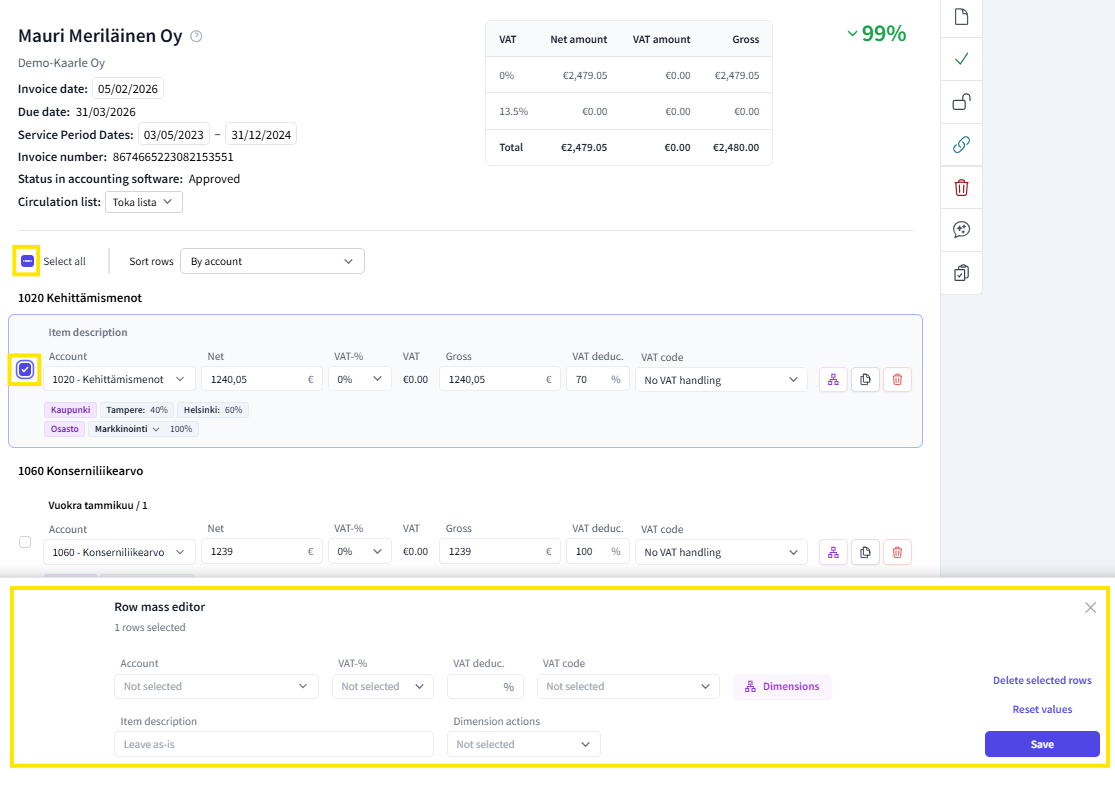
The FabricAI portal includes a bulk editor, which is useful when you want to process all invoice lines or multiple lines in the same way.
The bulk edit window automatically opens at the bottom of the page when one or more invoice lines are selected by ticking in the accounting view.
This article has been translated using an AI-based translation tool. The contents or wording of these instructions may differ from those in other instructions or in the software.
Did you find it helpful? Yes No
Send feedbackSorry we couldn't be helpful. Help us improve this article with your feedback.