In the FabricAI portal, under Settings -> Preferences tab, you can adjust some user-specific settings, which means changing them will not affect anyone other than the user themselves.
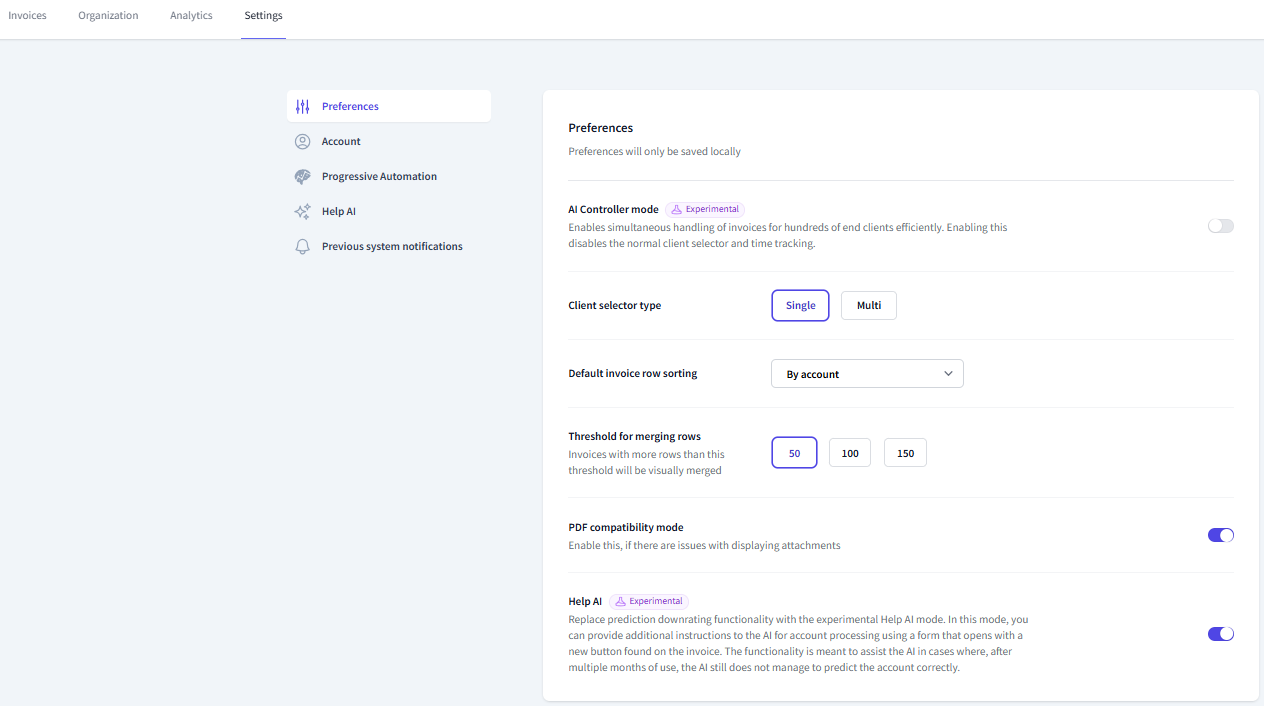 AI-Controller status is a feature intended for handling large masses of clients, which you can read more about here.
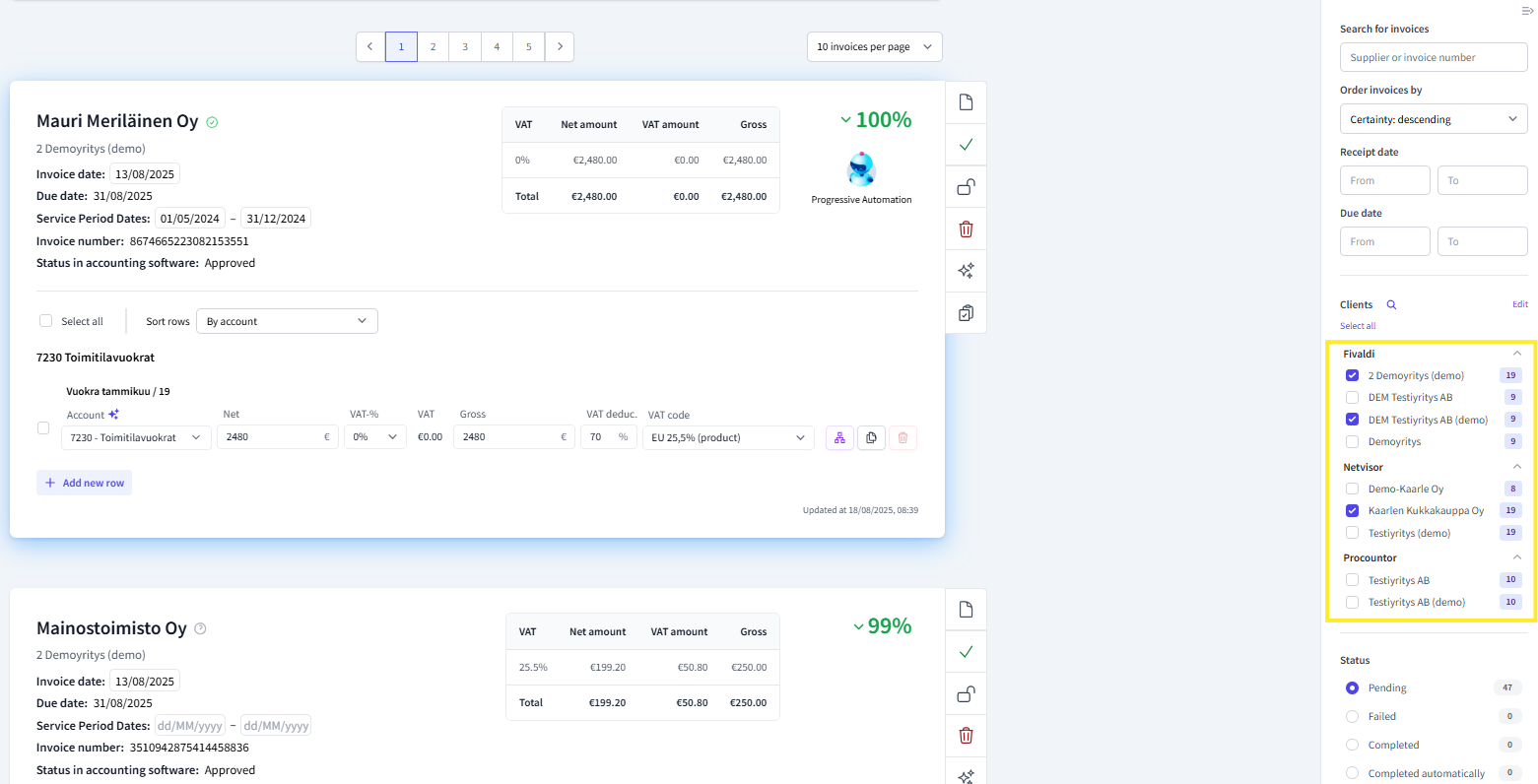
Client selector type determines whether you can handle invoices for only one or multiple clients on the same page in the FabricAI portal. If you choose 'Multi', you can select multiple clients at the same time on the right side of the invoice view, whose invoices will be listed simultaneously for allocation. 'Single' does not allow selecting more than one client at a time. Below is an example of multi:
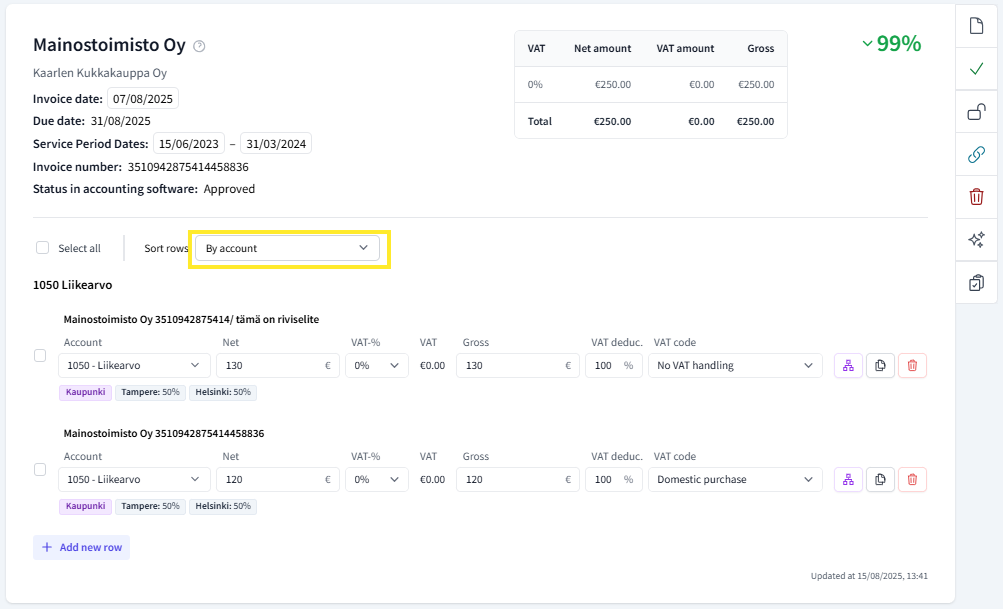
Default invoice row sorting as the name suggests, determines the order in which allocation rows appear in the invoice view. Rows can be sorted by account, gross total, VAT, or alphabetically, or in the original order. This setting only affects the default order, and the order can also be changed per invoice in the allocation view (see the next image).
Threshold for merging rows determines how many invoice rows there must be for FabricAI to use visual invoice row merging.
PDF compatibility mode may need to be enabled if there are issues with viewing invoice attachments.
Did you find it helpful? Yes No
Send feedback