February greetings from FabricAI!
The year 2026 has started off with a bang, and the financial statement season is already in full swing for some. In this February newsletter, we share the latest updates in product development and invite you to join us for a drink after a hectic workday.
Warm regards,
FabricAI team
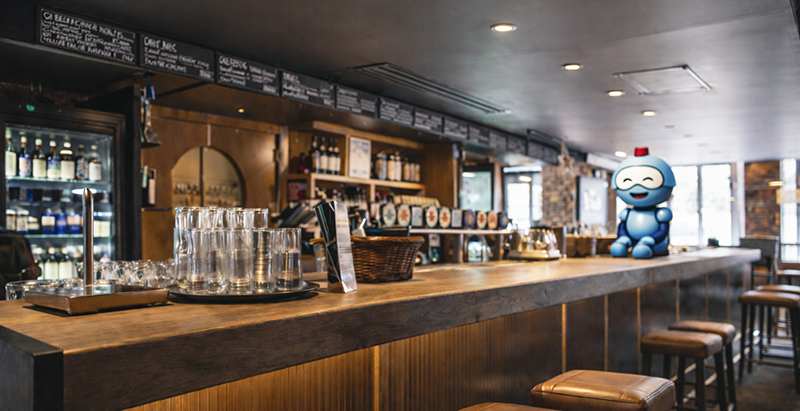
After Works kick off in Tampere!
We want to invite you to our After Work event! Enjoy good company, cold drinks, and some snacks – all on us, of course.
Tour schedule and cities:
Tampere - 19.3.2026
The dates for Helsinki, Turku, Oulu, and Joensuu will be confirmed later

Key updates
- Help AI feature has expanded to dimensions: you can tell the AI how a specific dimension should be utilized and what expenses should be assigned to the dimension.
- The same feature has also received a new icon, which can be distinguished when an entry has been made through the Help AI guide.
- The performance improvement released on 16.2. for the FabricAI portal should significantly reduce invoice view loading times from before.
Other current topics
We recommend setting two-factor authentication with both authentication options, both phone number and authentication app. This ensures that, for example, when changing phones, you can continue using FabricAI effortlessly. You can make the change in FabricAI from the top right corner under "Account". NOTE! If you use O365 login, this is not relevant for you.
Did you find it helpful? Yes No
Send feedback